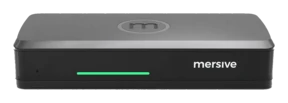
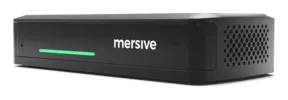
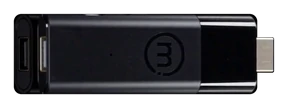
Mersive Polaris
In this section
- Mersive PolarisWelcome to the future of collaboration with Mersive Polaris—a platform designed to transform how we connect, communicate, and create together. Imagine a world where every idea…
- Network RequirementsAll Mersive devices require an internet connection with DNS resolution enabled. Sharing takes place via WebRTC, so user devices do not need to connect to the same local network…
- Getting StartedActivating your device is a simple process you can complete on a laptop or mobile device. To help make device activation as intuitive as possible, the device will track your…
- Connect and ShareConnecting to a Mersive-enabled display and sharing content is handled through a web sharing client that lets multiple users connect and share content simultaneously. The…
- ModerationA Mersive-enabled display allows multiple users to connect and share content simultaneously. There are some factors the display software can handle automatically, such as…
- Cloud ManagementThere are several day-to-day tasks that can help keep your displays running smoothly. Even if you operate only a handful of displays, you’ll want to stay on top of your plans,…
- Mersive Polaris Quick StartIf you’re eager to dive in and get started right away with Mersive Polaris, we've got you covered with easy-to-follow Quick Start guides that walk you through the basics from…
- Mersive SmartMersive Smart is an entry-level, software-only solution within Mersive Polaris. Smart transforms any Android-based smart TV or streaming device into a dynamic collaboration…
- Key Terms
- Mersive Release NotesThis release transforms the Mersive room experience by making your meeting spaces active participants in Microsoft Teams. Rooms can now join Teams meetings as named,…