Moderation
A Mersive-enabled display allows multiple users to connect and share content simultaneously. There are some factors the display software can handle automatically, such as making content windows as large as possible and selecting the best resolution given the content’s scale. But there are other factors, such as deciding who should be sharing content and what content is suitable for sharing, that are best left to a person. This person, usually referred to as a meeting facilitator or moderator, makes decisions on connections and sharing and controls the display.
Those familiar with the Solstice environment are aware of many options available to facilitators. Moderation for Mersive displays is being introduced in stages, starting with the ability to disconnect users from a display. This feature is described below.
Disconnect Users from a Display
When connected to a Mersive display via the web sharing client (app.mersive.com), you can disconnect other users. This can help clear the display when someone’s laptop freezes or when one or more users leave the collaboration session but forget to stop sharing and disconnect.
To disconnect a user, take the following steps:
-
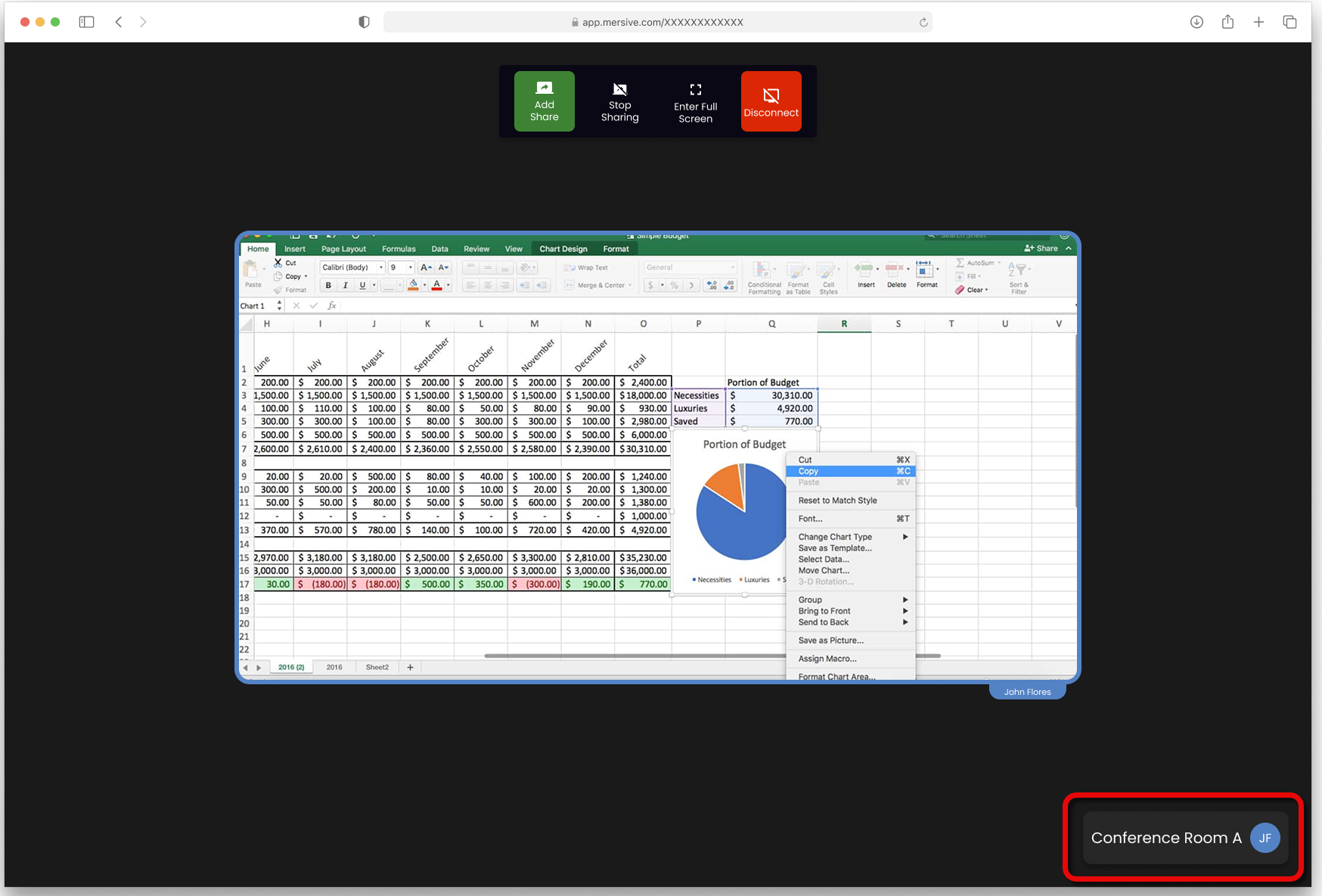
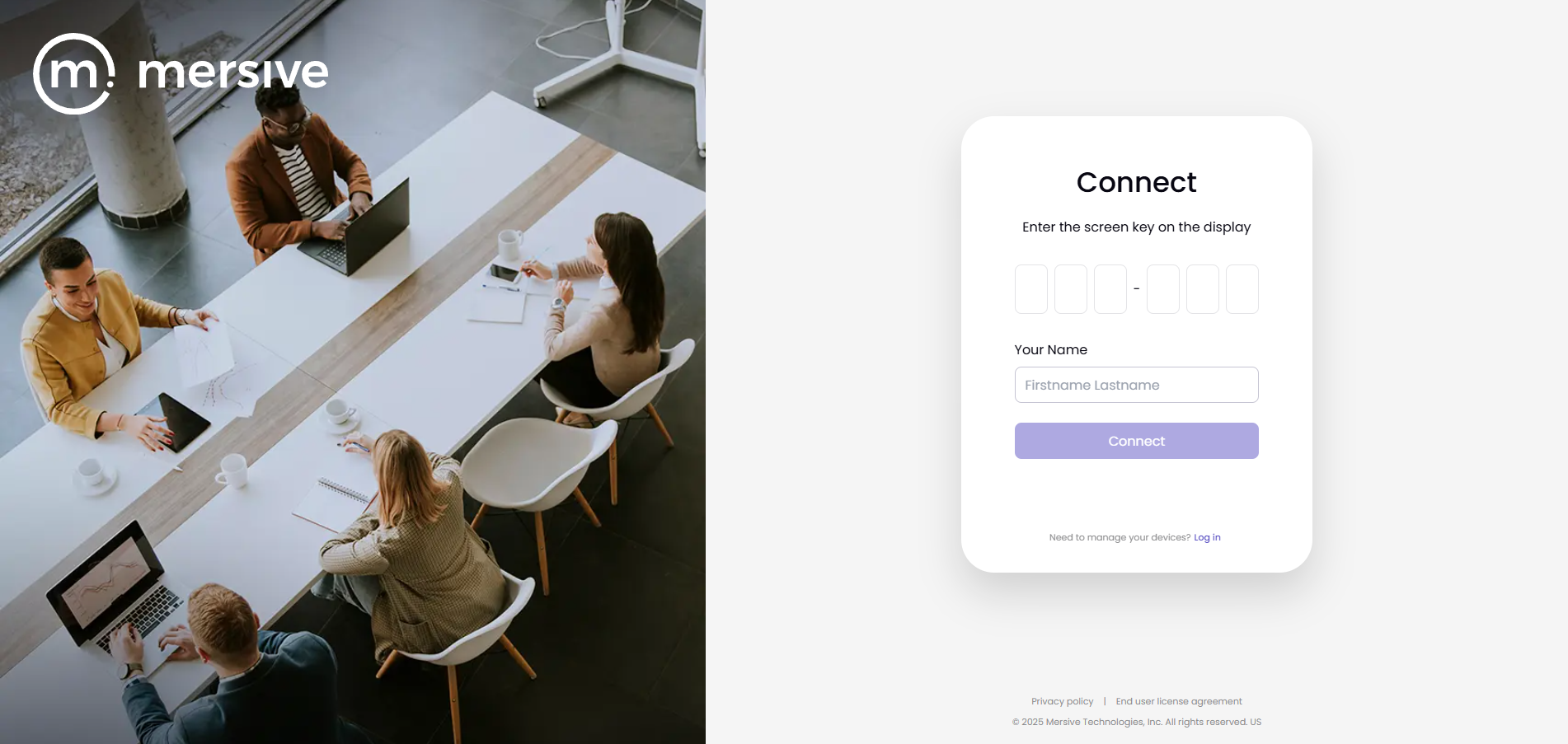
Connect your laptop to the display through app.mersive.com. The Share window appears.
-
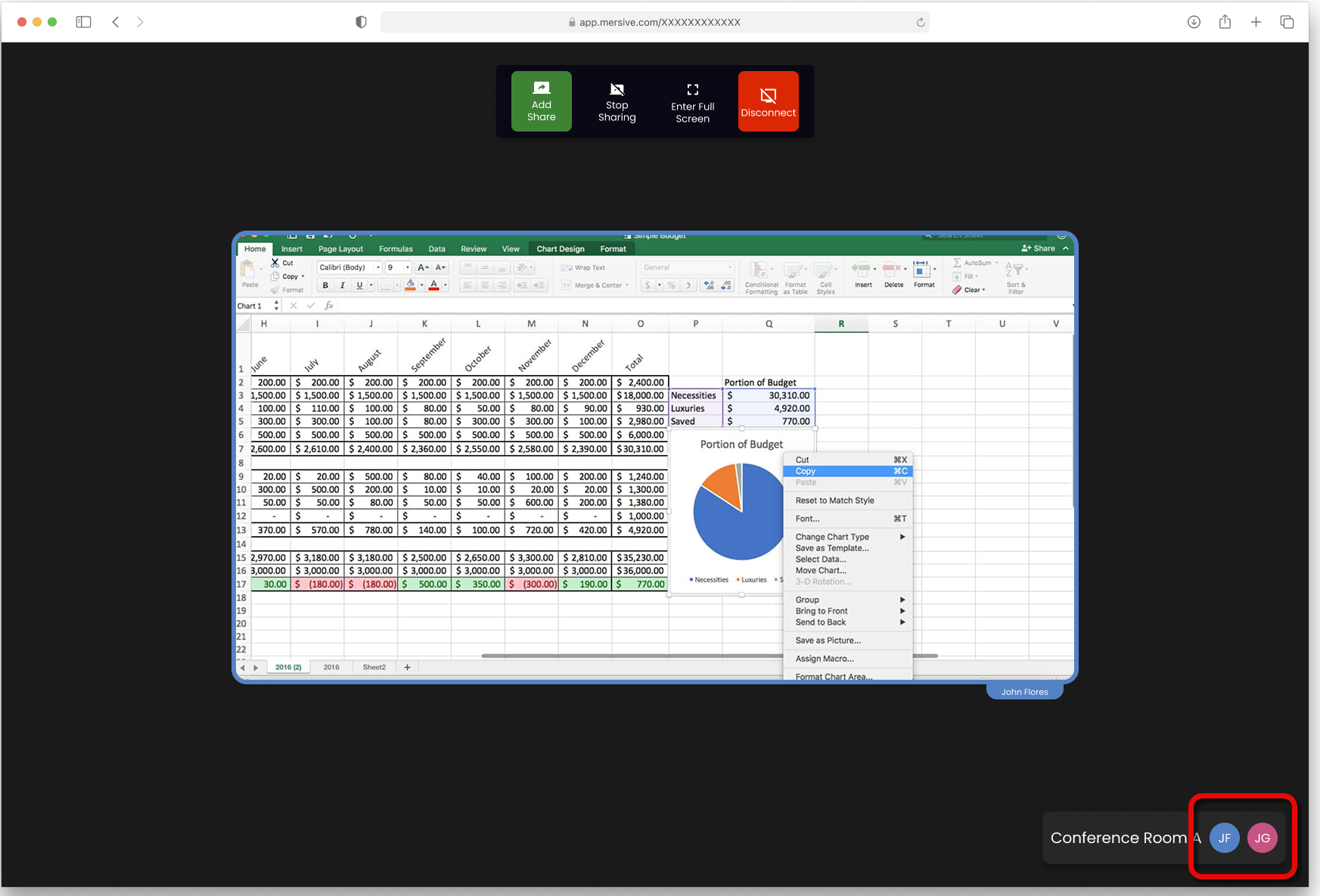
On the laptop, locate the user avatars in the bottom right corner of the screen.
-
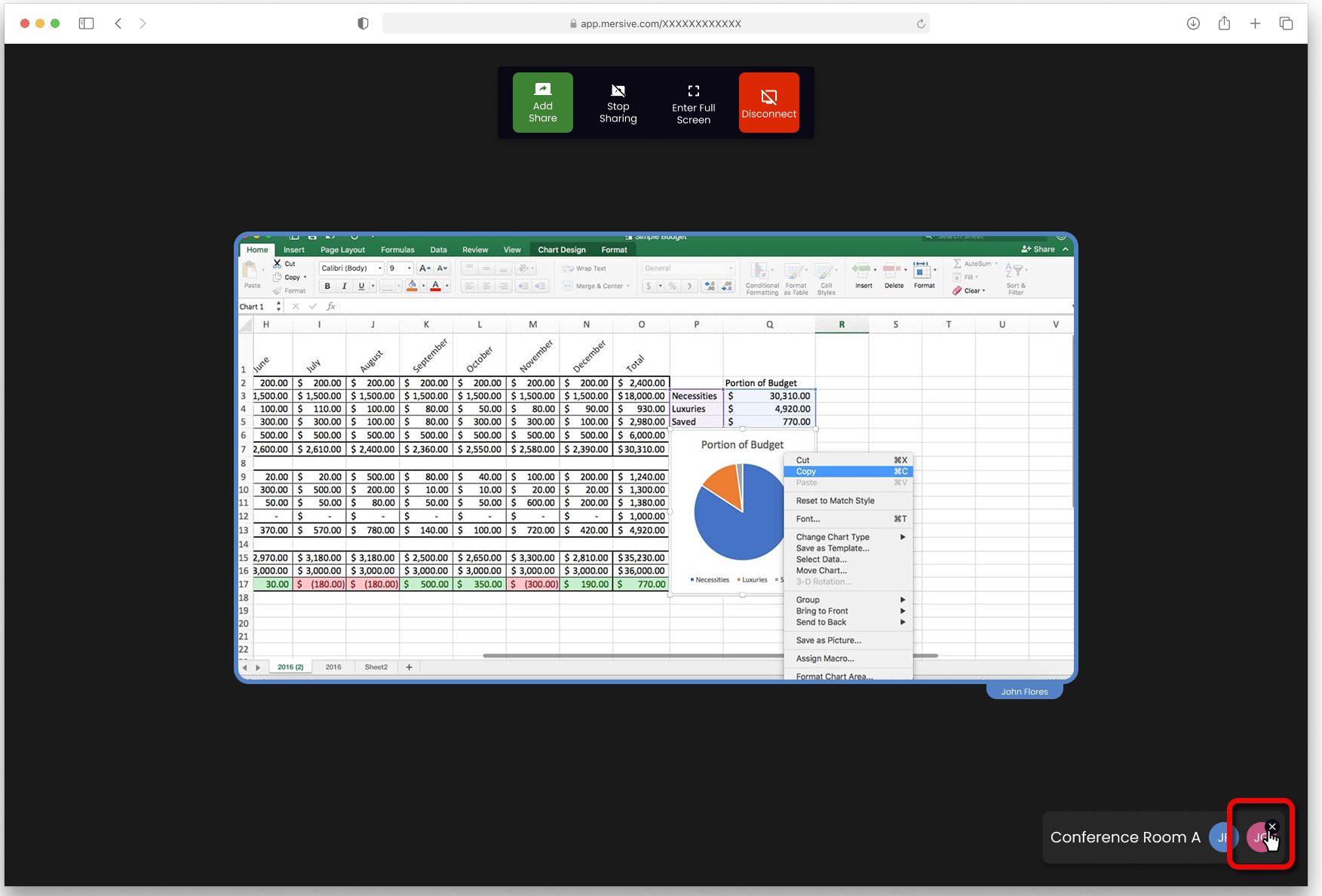
Mouse over the avatar and an X appears. Click the X.
-
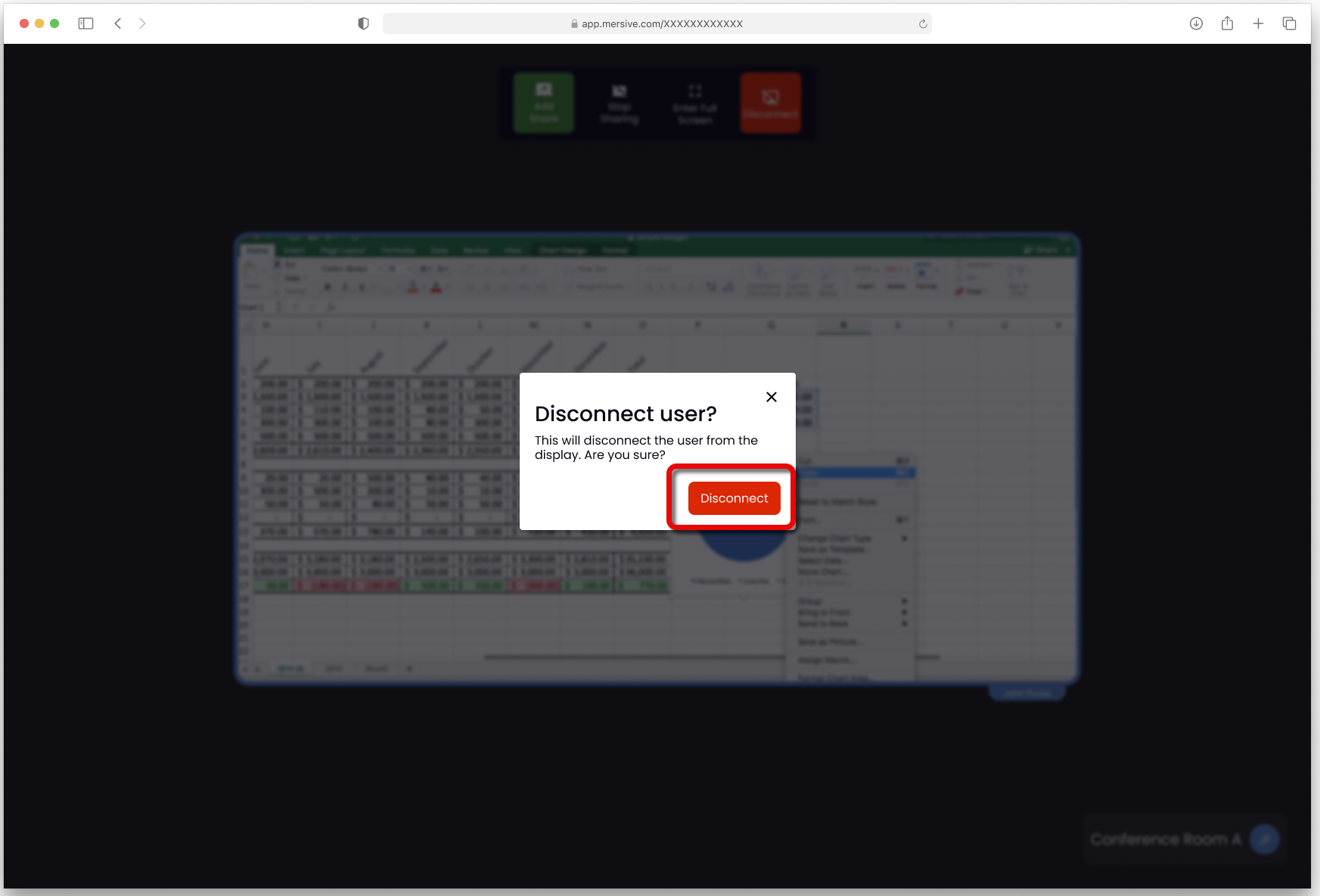
A confirmation popup appears. Select Disconnect.
-
The user avatar no longer appears on the display. They have been disconnected.