Account Creation
Create a Mersive Account
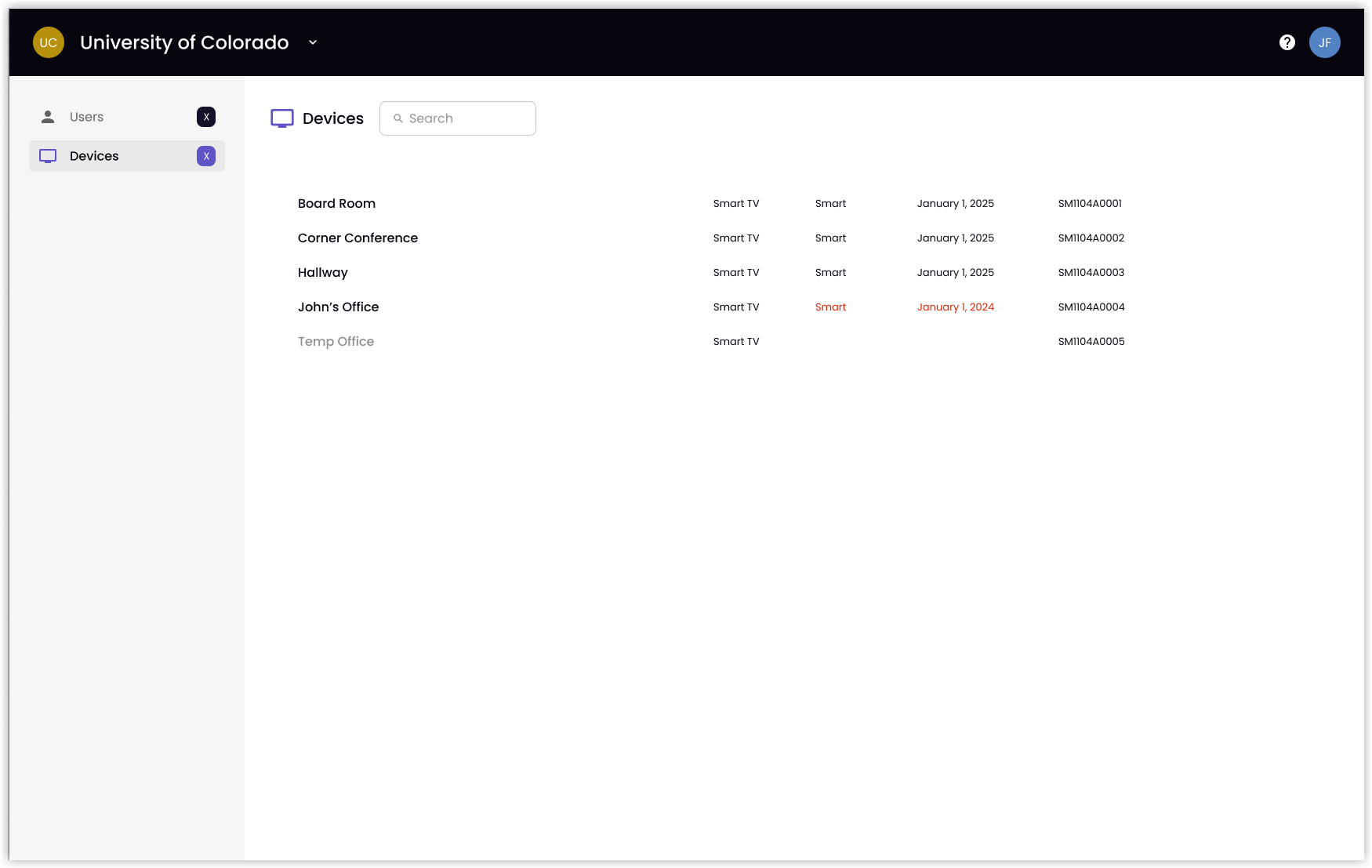
Creating a Mersive account is a simple process not unlike making a username and password for other web services. Having a Mersive account gives you credentials for login specifically for interacting with the Polaris Cloud and your devices.
To create a Mersive account, take the following steps:
-
With a laptop or mobile device, go to app.mersive.com/admin or mersive.com/activate and select Sign up.
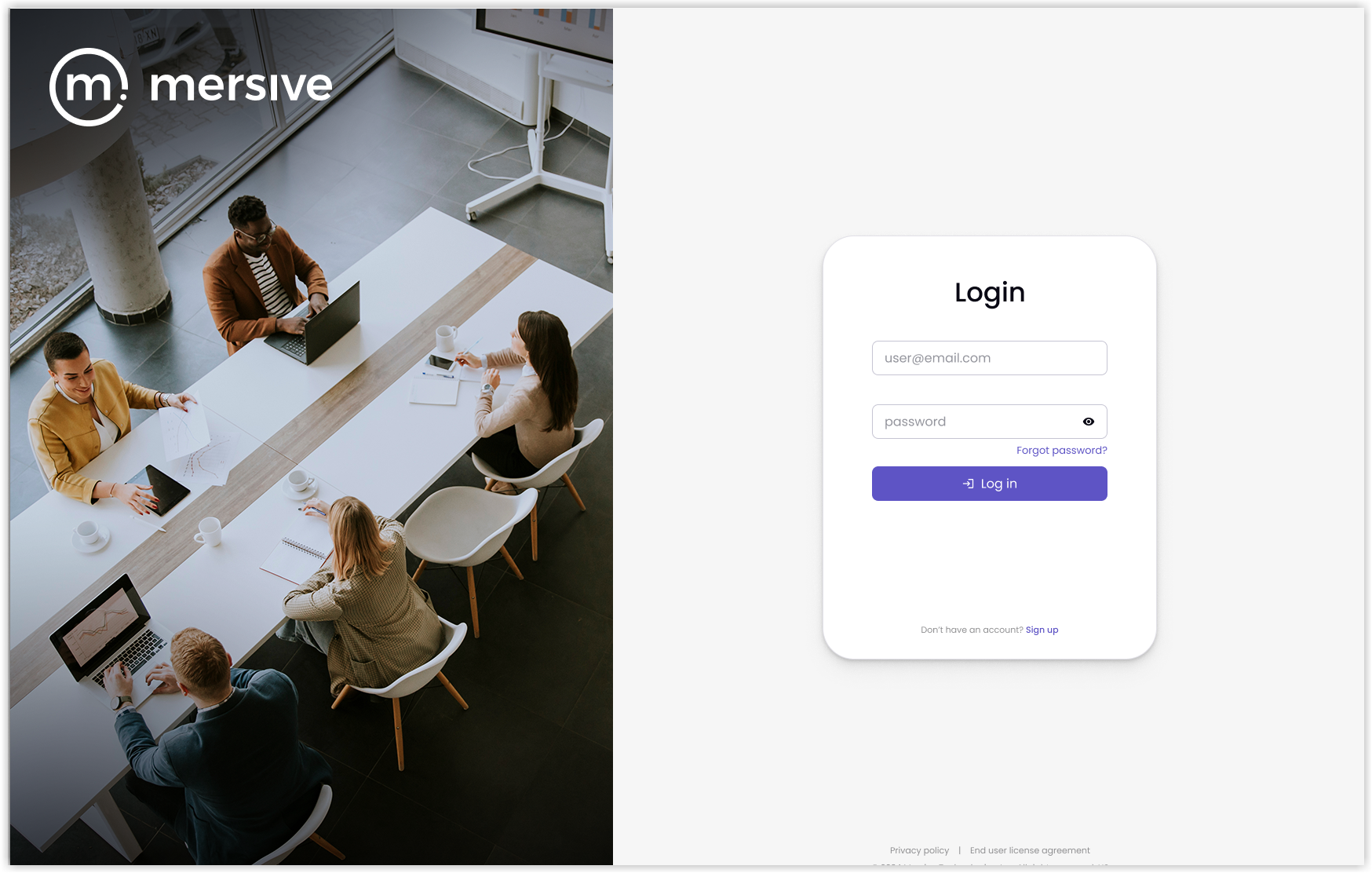
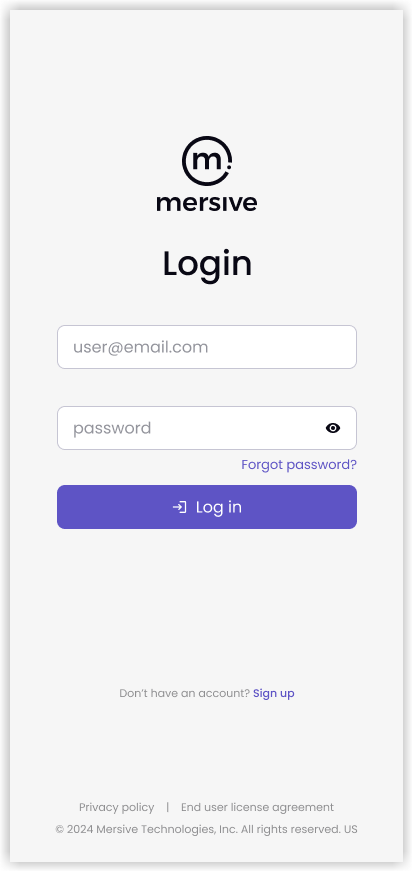
-
On the Sign Up screen, enter your Email and create a Password. Note: Passwords must be 12 characters long and include at least one uppercase letter, one lowercase letter, and a symbol or number; the web client will verify that your password meets these requirements.
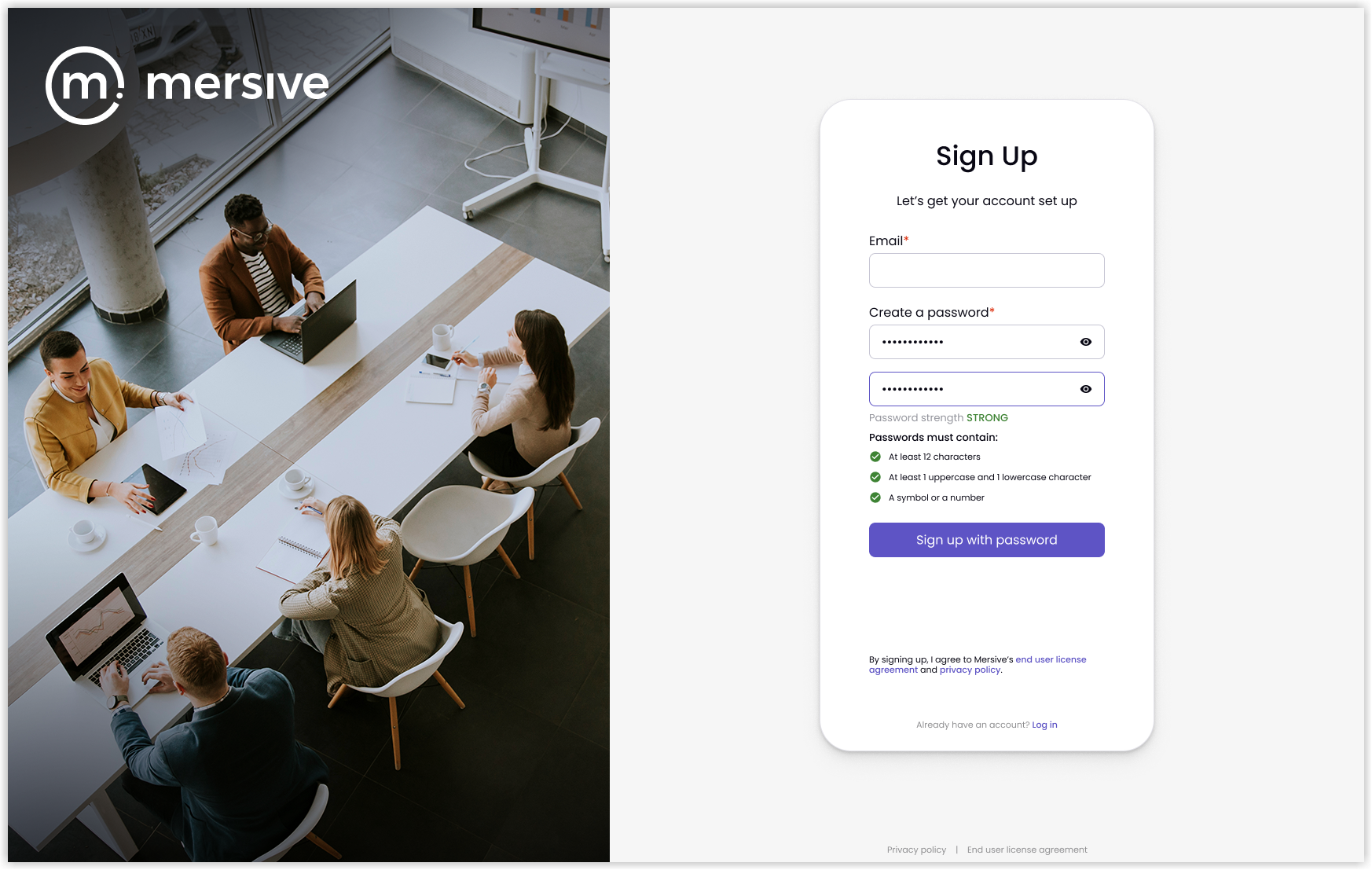
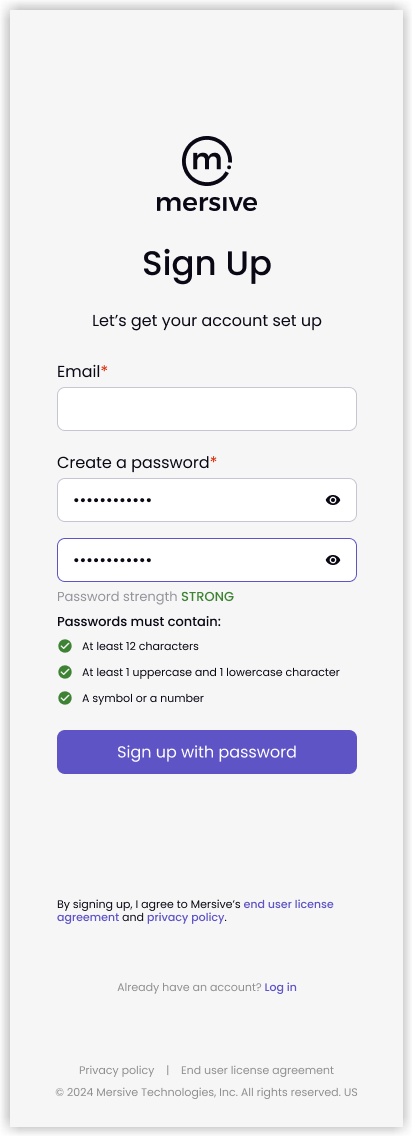
-
Select Sign up with password. The admin portal will send an email with the subject: Verify your email.
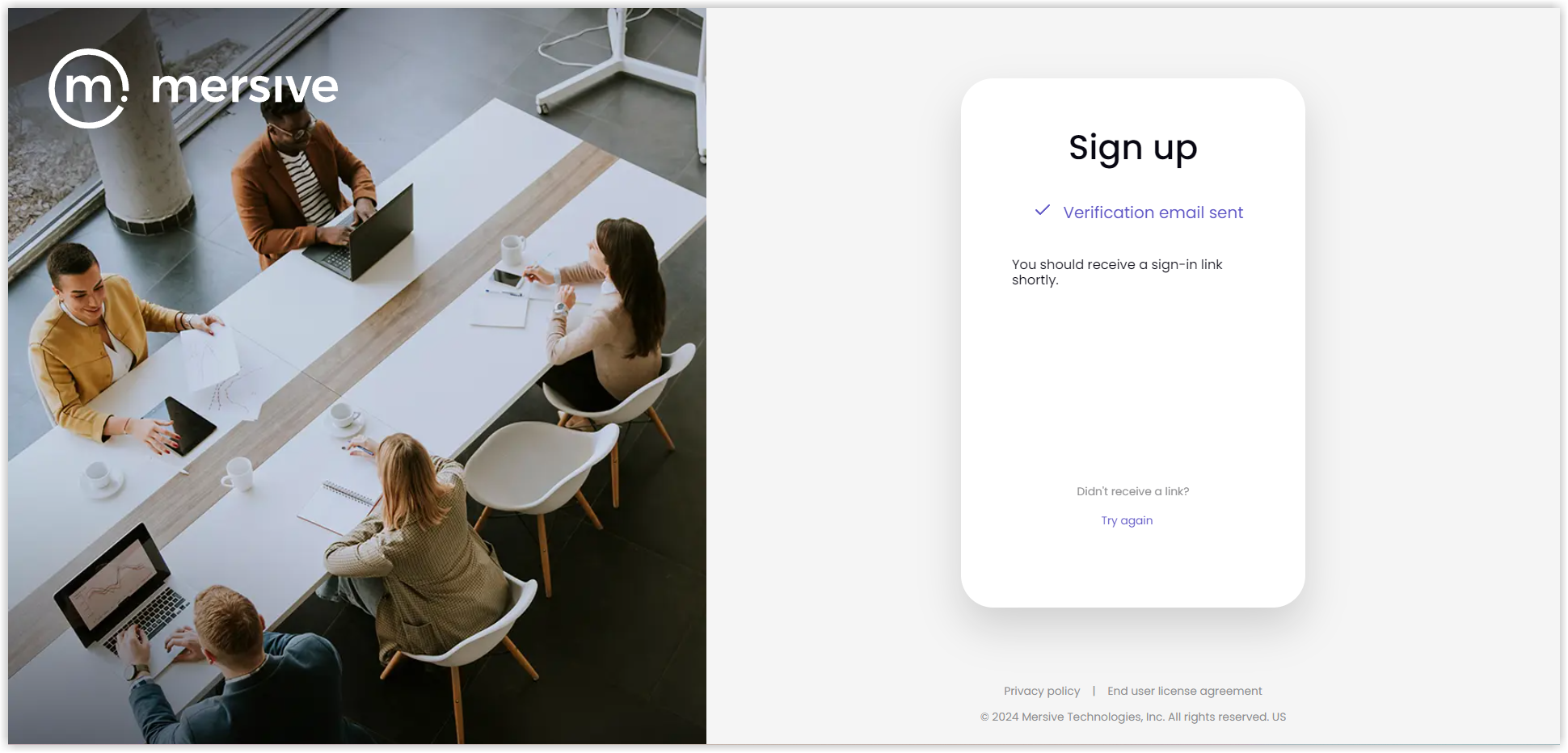
-
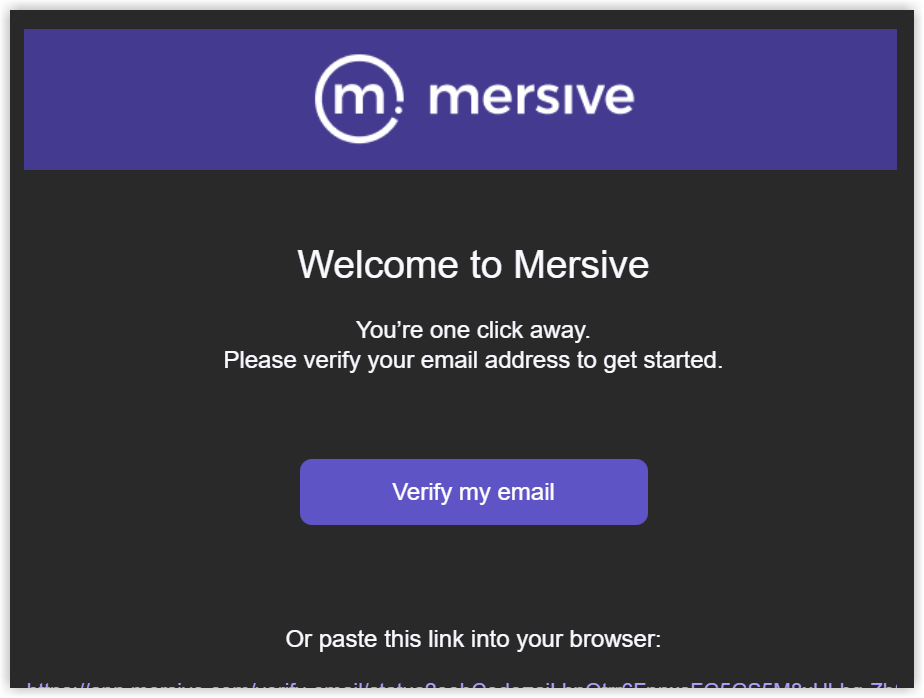
Open the email message and select Verify my email or copy the link and paste it into a browser window. The Polaris Cloud will appear.
-
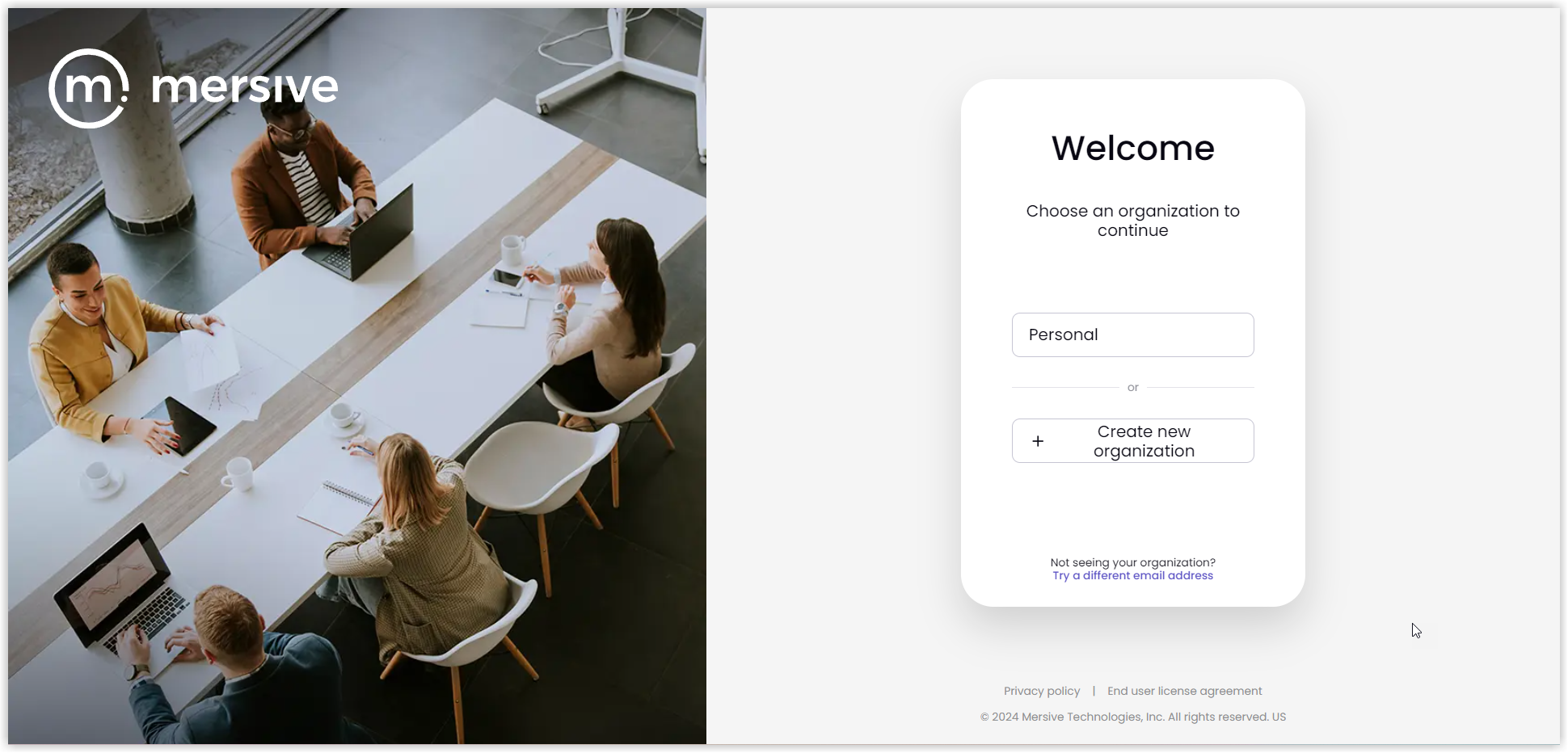
Choose an Organization. Note: The Personal organization is created by default, and you can rename it later. If you want to create an organization, select Create new organization.
-
The Polaris Cloud displays the selected organization. Note: If you have not onboarded any devices yet, the Devices list will be blank.