About Solstice
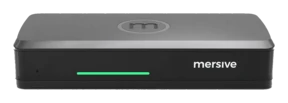
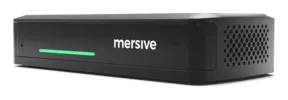
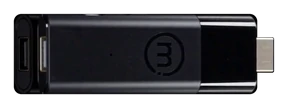
Solstice is the Mersive award-winning collaboration software, installed on a dedicated hardware platform to deliver turnkey wireless content sharing and video conferencing tools. Plug any HDMI room display device into the Solstice Pod, and connect it to the network(s) that participants use to connect and share to the display. Users on the network can then follow on-screen directions to connect wirelessly to Solstice and share content. Meeting hosts can connect Solstice to meetings using their preferred video conferencing service.
Looking for information about the Mersive Polaris? Click here.
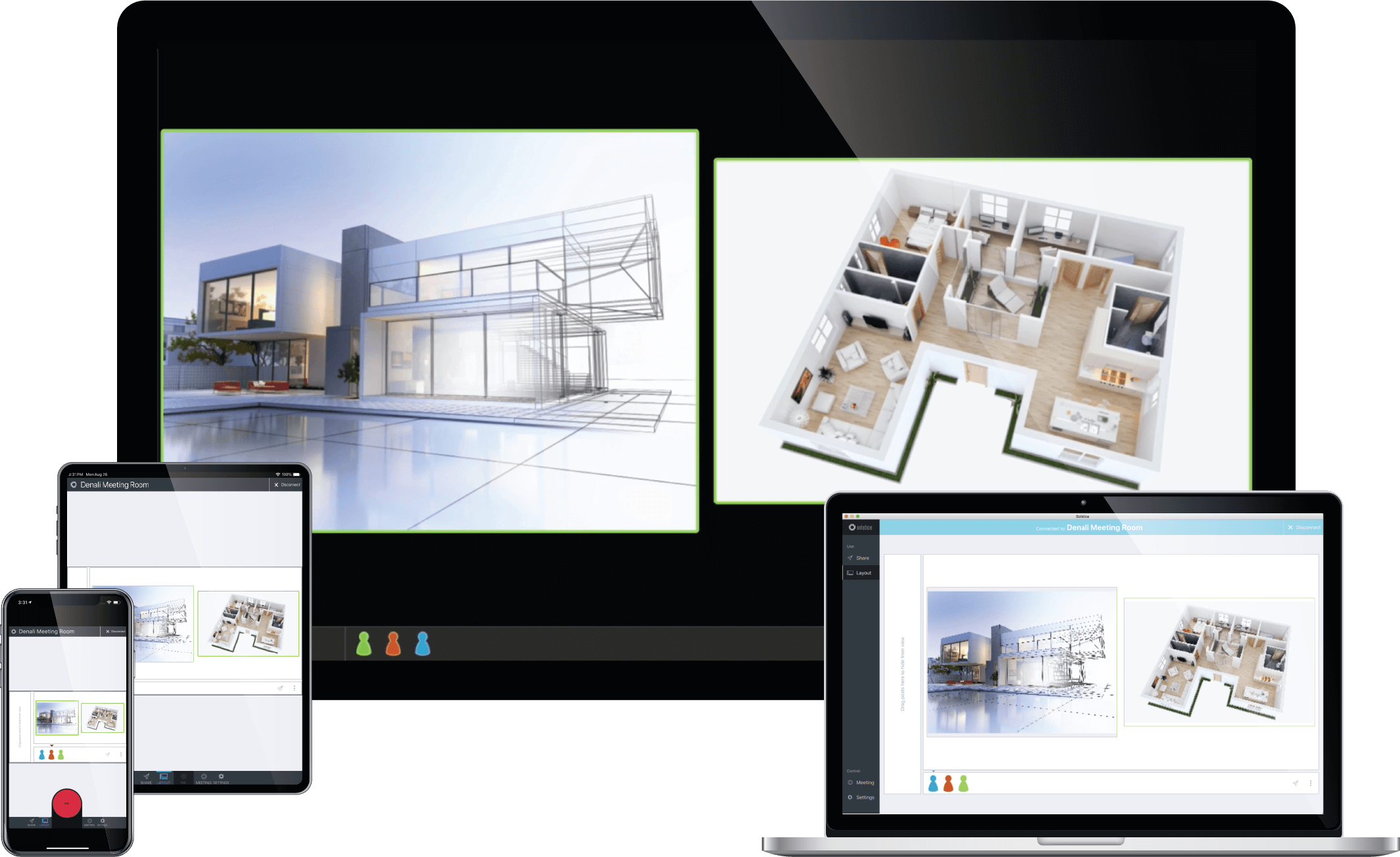
Identifying a Solstice-enabled Display
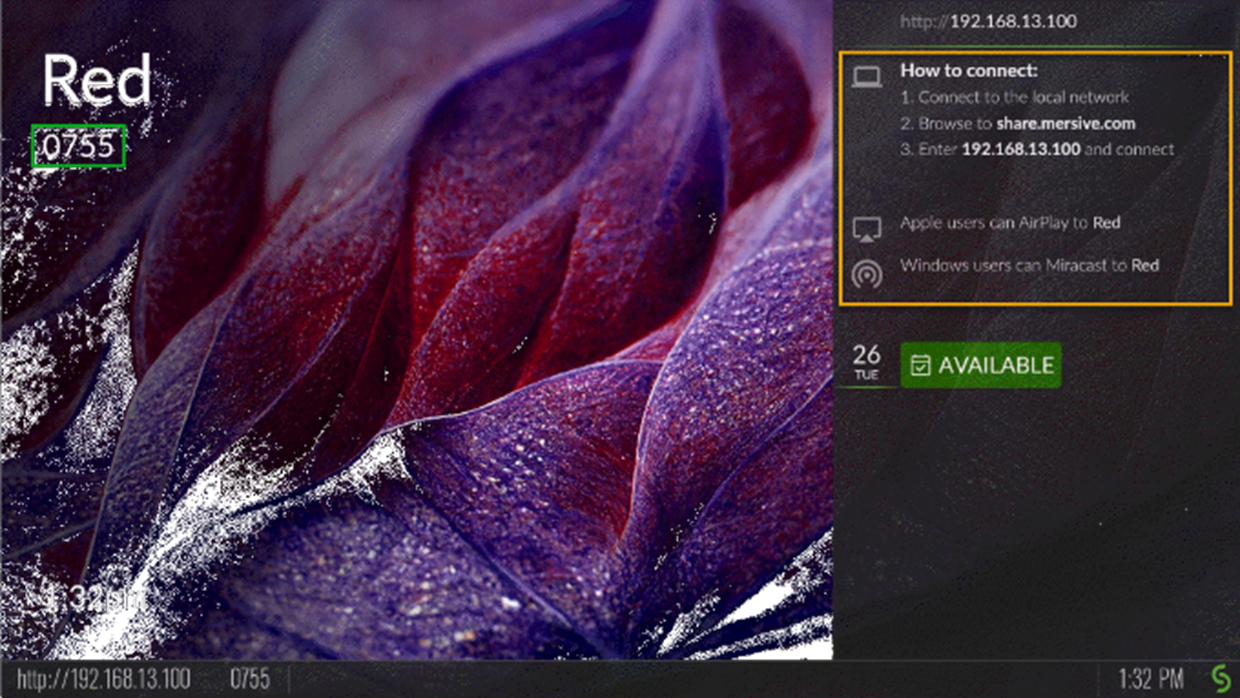
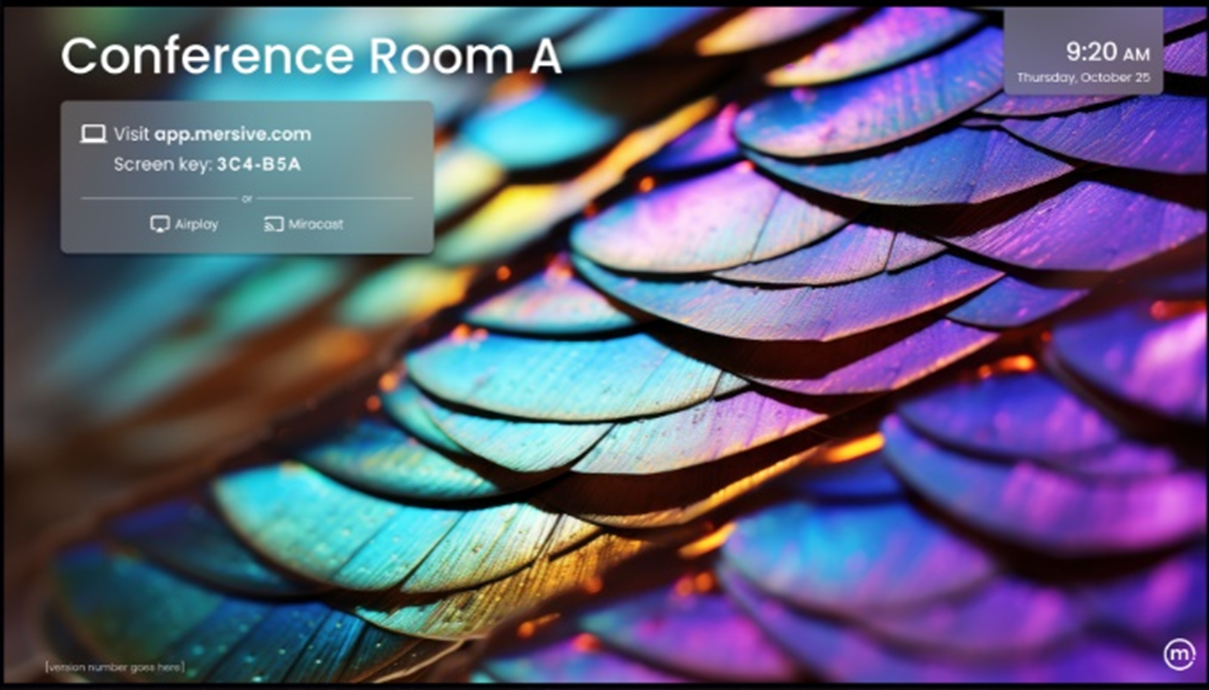
For those new to Mersive, or working in environments where both Mersive Polaris and Solstice Pods are in use, you may need to distinguish between the two displays. When you compare the Mersive Polaris Idle screen with the default Solstice Welcome screen, the differences are immediately apparent, as shown below.
|
|
|---|---|
Solstice: The Welcome Screen on the Solstice Display shows a 4-digit PIN and a local network address. The Solstice logo is in the bottom right corner. | Mersive Polaris: The Idle Screen on a Mersive Polaris-enabled display shows a 6-digit alphanumeric Screen Key. It does not show a local network address. The Mersive logo is in the bottom right corner. |
If you need information about the Mersive Polaris-enabled Display, click here.