Home/Documentation/Solstice/Deploy Solstice/Deploy Video Conferencing with Solstice/Supported Video Conferencing Peripherals/Solstice with Jabra PanaCast 50
Solstice with Jabra PanaCast 50
Complete Collaboration Solution for Any Meeting Space
Solstice Conference paired with the Jabra PanaCast 50 room video and audio combines the reach of video conferencing and the power of rich, multi-participant content sharing to enhance the collaboration experience between onsite and remote users.
This room solution is a new class of video conferencing room system that enhances meeting collaboration by seamlessly supporting all major conferencing platforms running on users’ laptops and providing wireless connectivity to room technology.
Solstice Conference
- Multi-participant content sharing from any device
- Agnostic support for all major conferencing services
- Easy, one-step start from the meeting host’s laptop
- Connects Jabra PanaCast 50 video and audio to the conference
- Enterprise-grade security and fully IT-compliant
- Cloud-based deployment management and analytics
Jabra PanaCast 50
- Three cameras and intelligent video stitching and frame adjustment create a 4K-quality 180° view that keeps everyone in the picture
- Premium audio with eight microphones, precision voice detection, zero-vibration stereo, and intelligent noise reduction
- Vivid HDR video optimization for different lighting conditions
- Plug-and-play USB connectivity and flexible installation
Meeting Host Laptop
- Requires a Windows or macOS laptop to host meetings
- Supports Zoom, Teams, and most other conferencing apps
Installation Instructions
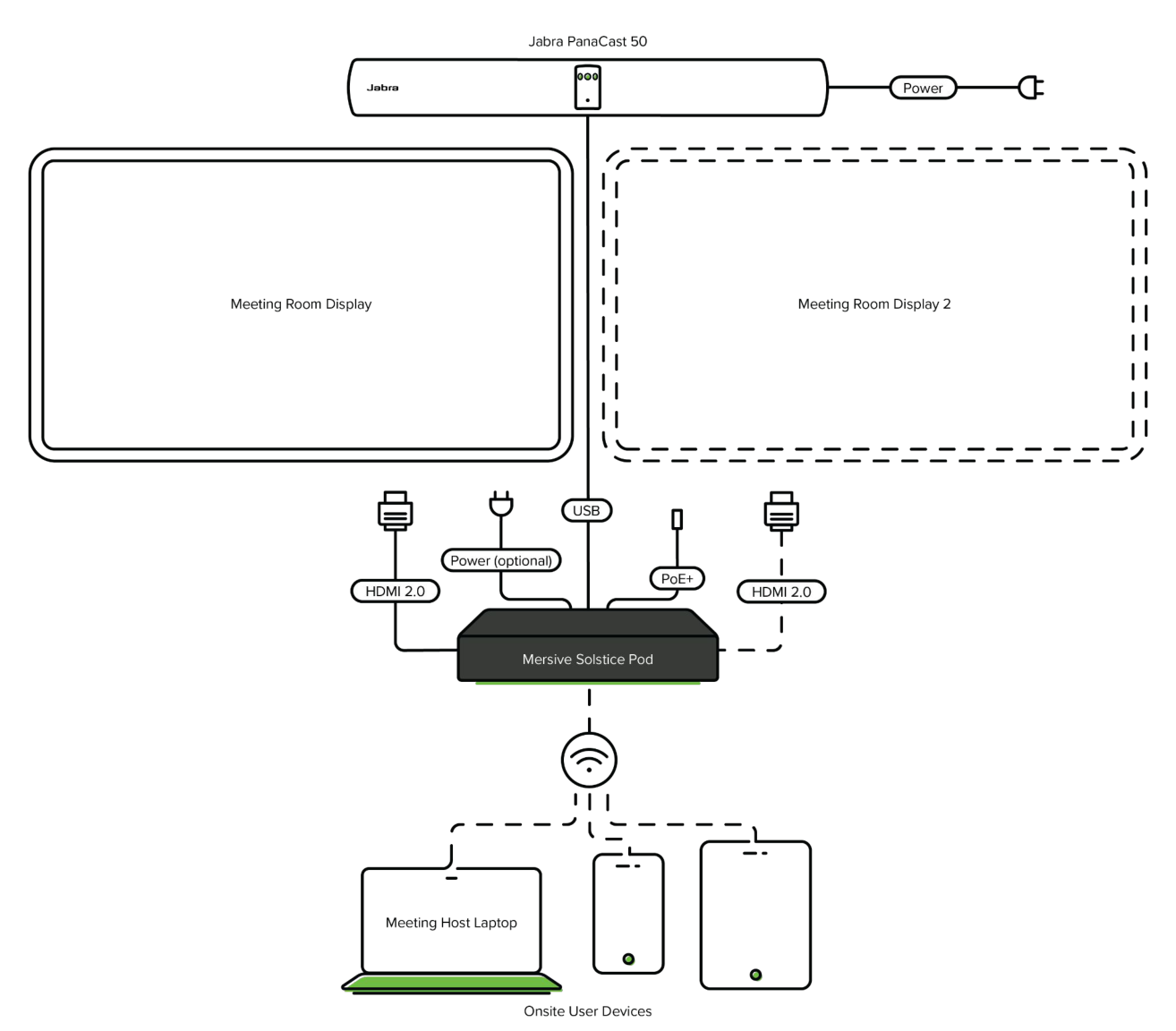
- Place or mount the Jabra PanaCast 50, then connect it to power.
- Attach the Solstice Pod to power and the local Ethernet network (PoE+ supported).
- Connect the Pod to the display monitor via HDMI (outer HDMI 1 port recommended). An optional second display monitor can also be connected to the Pod.
- Connect the Jabra PanaCast 50 to one of the USB ports on the back of the Pod.
- Mersive recommends configuring the Solstice Pod’s basic settings, such as updating the display name to match the room name.
For conferencing support, meeting hosts simply install the Solstice app on their laptop along with their web conferencing application of choice.
System Components
| Mersive Solstice | Jabra PanaCast 50 | Additional Requirements |
|---|---|---|
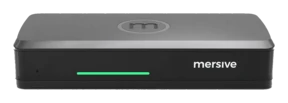
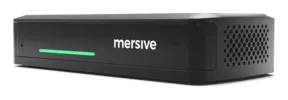
| Solstice Pod Gen3 HDMI cable Power supply |
180° panoramic camera array 4 speaker / 8 microphone audio array USB-C to USB-A cable 2 m/6.6 ft (USB 3.0) Power supply and wall mount |
Meeting host laptop (Windows or macOS) Web conferencing service (Teams, Zoom, etc.) Current Solstice subscription |
Technical Specifications
Solstice Pod Gen3
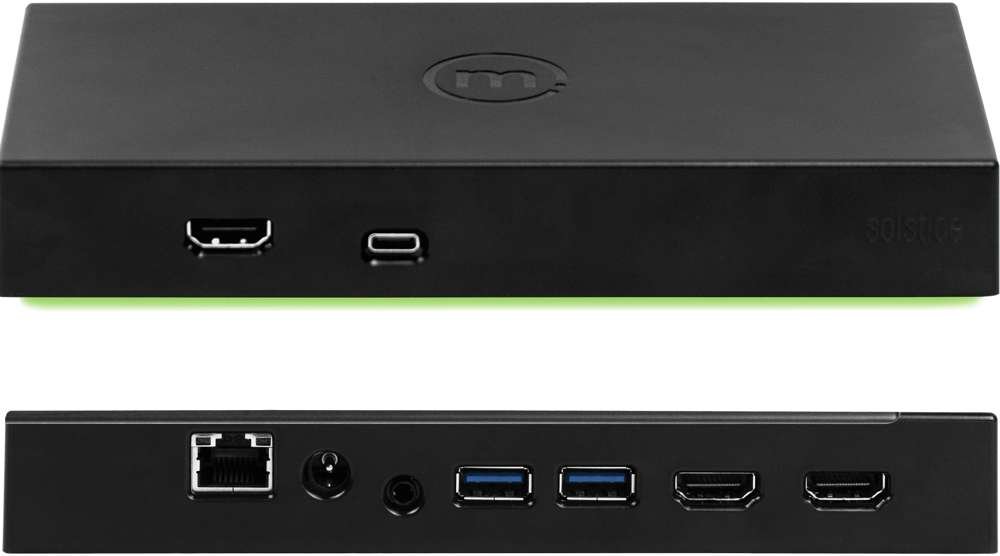
Part #: SP-8000-E1
| Specification | Solstice Pod Gen3 |
|---|---|
| Supported user devices | Windows, macOS, iOS, Android, Chromebook, Linux |
| Number of users | Unlimited |
| Number of content posts | Unlimited |
| Solstice app features | Conferencing support (meeting hosts only, Windows and macOS supported) Share desktop, application window, image file, video file Intuitive drag-and-drop layout control Wireless annotation via smartphone |
| App-free sharing | AirPlay, Miracast, browser-based sharing, HDMI input |
| Streaming video support | 4K UHD, Full HD, HD, SD |
| Network connection | Ethernet, WiFi, VLAN (x3) |
| Wireless frequency band | 2.4 GHz and 5 GHz |
| Security features | 2048-bit network encryption Firewall protection between networks 802.1x authentication Access controls and moderation User authentication at runtime (optional) |
| Additional features | Wireless USB peripheral support Dual display support Touch display support Microsoft Exchange, O365, and Google Workspace calendar support Digital signage playback API for third-party integrations Cloud-based management and meeting analytics |
| Warranty | 1-year limited hardware warranty with option to extend to 3 years |
Jabra PanaCast 50
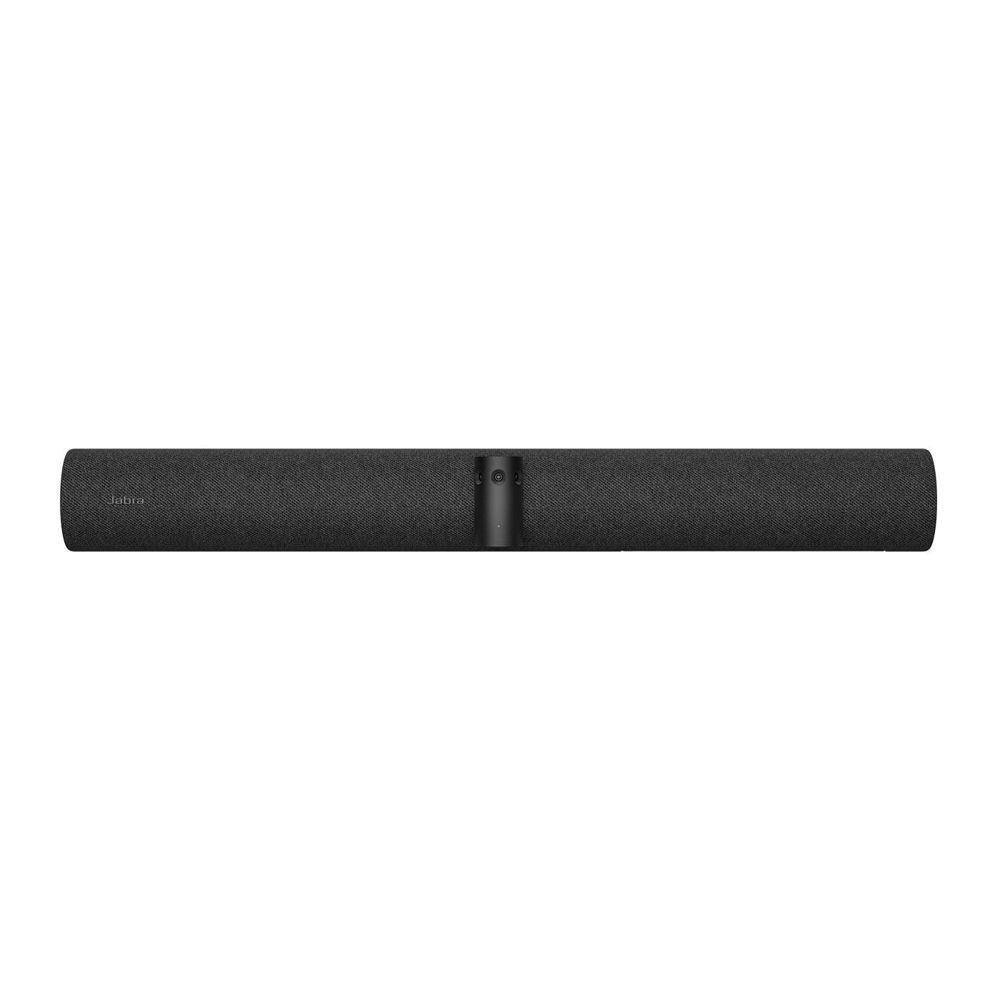
Part #: 8200-232
| Specification | Jabra PanaCast 50 |
|---|---|
| Video | 3 13-megapixel camera array |
| Zoom | Up to 6x lossless digital zoom |
| Field of view | Horizontal: 180° / Vertical: 54° |
| Camera resolution | Panoramic-4K: 3840 x 1080 @ 30fps |
| Other video features | Intelligent Zoom Virtual Director Vivid HDR |
| Speakers | 2 x 2” (50mm) woofers, 2 x 3/4” (20mm) tweeters Frequency range: 80Hz – 20kHz |
| Microphones | 8 microphone beamforming array Sensitivity: -37dBFS Frequency range: 100Hz – 8kHz |
| Ease of use | Manual Pan-Tilt-Zoom (PTZ) |
| Connectivity | USB-A, USB-C, Ethernet (RJ45) USB 2.0 and USB 3.0 supported Bluetooth Low Energy support for remote control and Sound+ access |
| Power | Dedicated power supply |
| Mounting options | Wall mount (included), table stand, or screen mount |
| Operating temperature | 5°C to 35°C / 41°F to 95°F |
| Dimensions | 650mm x 80mm x 125mm / 25.6in x 3.1in x 4.9in |
| Weight | 2200g / 77.6oz |
| Warranty | 2 years |
How to Buy
Please contact sales@mersive.com for purchase options.