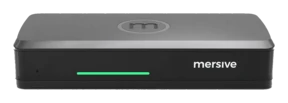
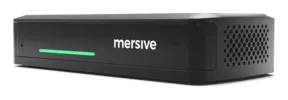
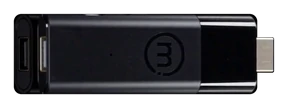
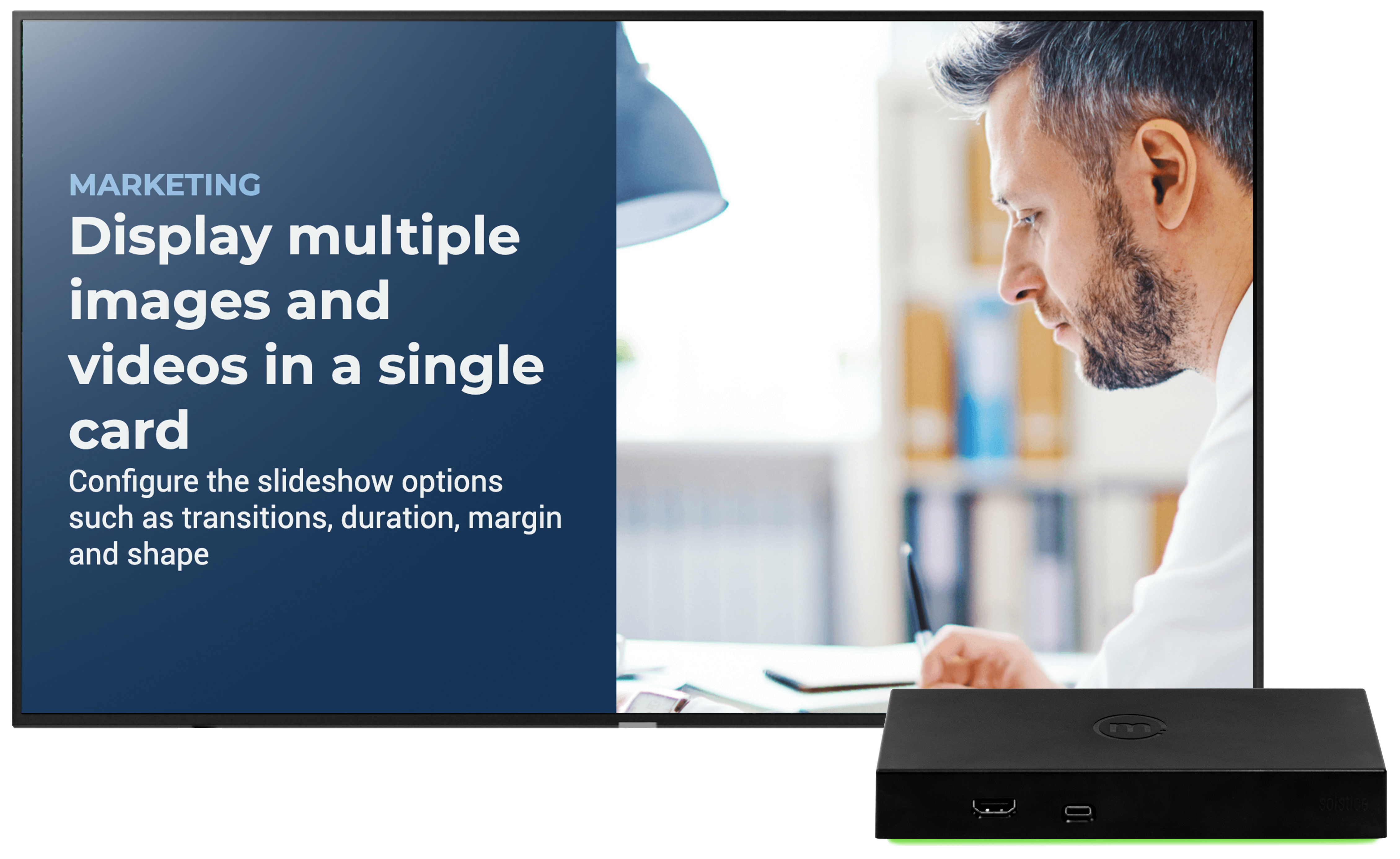
Extend Appspace digital signage feeds to your Solstice Pods to get more out of your meeting spaces. Appspace is an easy-to-use software platform that allows you to publish on-brand messaging using customizable HTML card templates.
This integration gives you the ability to show easy-to-create HTML-based signage channels on Solstice displays not in active use for wireless collaboration. Solstice displays in huddle spaces, meeting rooms, and transitional spaces become digital signage endpoints for communicating company announcements, events, and other valuable information without the need to deploy additional signage hardware.
Turning your Solstice Pod into a digital signage media player is as simple as:
Creating a digital signage feed using Appspace.
Enabling the digital signage capability in Solstice.
Registering your Pod as a player in Appspace.
System Requirements
Appspace 7.0 or higher
Solstice Gen3 Pod(s)
Solstice Cloud or Solstice Dashboard
Access allowed through your firewall for:
Google Chrome web browsers
Network ports 80 and 443
Low Bandwidth Mode disabled in Appspace
Appspace enables Low Bandwidth Mode by default for Solstice Pods, which can interfere with digital signage playback. To disable Low Bandwidth Mode, follow the Network Level configuration instructions provided by Appspace. For more information on Appspace Digital Signage or in-depth information on registering a player in Appspace, visit https://docs.appspace.com/.
How To
Each Pod must have internet access and be connected to a display monitor to complete the Appspace device registration.
Go to Manage > Pods and click the name of the Pod you want to show Appspace digital signage content on.
Scroll down and click the down arrow to expand the Digital Signage settings.
Check Enable Digital Signage and select the Footer Only display option.
The Footer Only option is selected here to enable proper viewing of the Appspace registration code. This setting can be changed after your device is registered with Appspace.
In the Source URL field, enter 'https://cloud.appspace.com/app/' and click Save as Unassigned. The Pod’s display shows an Appspace screen with a registration code.
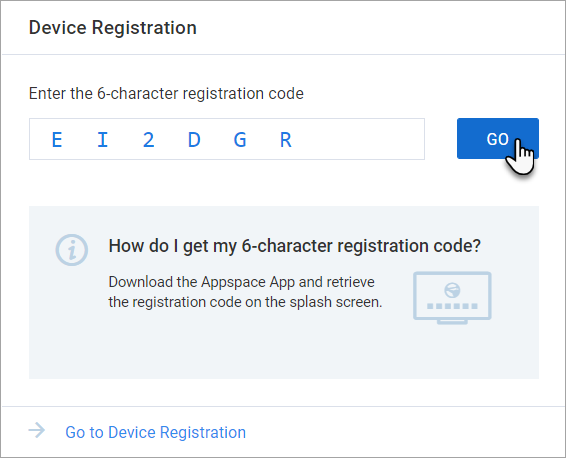
Log in to Appspace and go to the dashboard. Enter the registration code in the Device Registration section, then click Go.
Complete the fields to register your device and assign a channel.
Click Register. The Pod will begin displaying the content from the assigned Appspace channel.
Open Solstice Dashboard and select the Pod you want to add the digital signage channel to.
In the Digital Signage tab, Enable the digital signage feature, then select the Footer Only option.
The Footer Only option is selected here to enable proper viewing of the Appspace registration code. This setting can be changed after your device is registered with Appspace.
In the Source URL field, enter 'https://cloud.appspace.com/app/' and click Apply. The Pod’s display shows an Appspace screen with a registration code.
Log in to Appspace and go to the dashboard. Enter the registration code in the Device Registration section, then click Go.
Complete the fields to register your device and assign a channel.
Click Register. The Pod will begin displaying the content from the assigned Appspace channel.
You Found Polaris
Explore the planets
The intruder · network diagnostics
NETWORK INTERFERENCE
Rogue signals are jamming the airspace above the room. You're the pod — clear the channel. Jammers rain static, splitters multiply, and every fourth wave the FIREWALL sweeps in. Downed signals drop powered displays: relay shield, dual beam, the piercing LANCE and the wide-angle SWEEP.
Shares keep coming. Compose the workspace — complete a row and it renders to the display. Hold a piece for later, trust the ghost, and slam it home when you're sure.
score: 0 · lines: 0 · level: 1 · best: 0
Mars · canyon relay
RELAY RUN
Aliens are looting Earth's audiovisual gear, and someone has to invoice them for it. You're the AV Integrator: fight through three decks of their freighter, shoot the capsules open, and take the equipment back — HDMI becomes a Blaster, a Display fans into Multicast, Coil fires Fiber, a Speaker is pure Subwoofer. Switches level your weapon, Surges take one hit for you. Snatchers steal; make them regret it. A boss holds every deck.
score: 0 · mission: 1/3 · best: 0
Pluto · deep-network maintenance
PACKET MUNCHER
Something is nesting in the farthest switch fabric. Run the corridors, eat every stray packet, and mind the four interference glyphs — each hunts its own way. Grab a powered display and, for a few seconds, the hunters become the hunted. Ten sectors between you and a clean network.
score: 0 · sector: 1/10 · lives: 3 · best: 0
Venus · broadcast campus
SIGNAL JUMPER
Ten displays across the broadcast campus went dark, and the interference is walking around like it owns the place. Run the loading dock, the cable trench, the rooftop, the mezzanine and the antenna tower, then push on through the uplink yard, the static fields, the rack canyon, the microwave bridge and master control — stomp the glyphs flat, bank the signal bits, bump the cache blocks, plant the midpoint flag, ride the ferries, and touch every display back to Polaris green. Game over offers a CONTINUE from the top of the level that beat you.
The campus's flagship display was stolen and walled up in a fortress beyond the north-east mesa. Cross a hundred screens of field, woods, river and dead server yard, crimper in hand — find the two small keys, mind the spikes, arrows and false floors, put five strikes into the CRT TYRANT's open screen, and raise the display where it belongs. Five hollow caves hide heart containers, and the RELAY TOWER on the south-west shore keeps the MERSIVE POLARIS — press X to grab what's in front of you, or to send the puck flying out and back.
The dongle users are pouring out of the rings in formation: HDMI drones, button wingmen, and the big conference pucks running the show. Hold the line in the Polaris fighter. They swoop in, regroup, breathe, and dive. Mind the boss pucks’ PAIRING BEAM — get caught and your fighter is theirs. Shoot that boss down mid-dive and your fighter comes home to fly beside you: DUAL FIRE. Every fourth wave is a demo stage — pure flying, pure bonus, PERFECT if you drop every last one.
score: 0 · wave: 1 · lives: 3 · best: 0
Mercury · the night side circuit
SOLAR CIRCUIT
A run cut across Mercury’s night side, Point A to Point B, against the clock. The sun never sets here and never rises either — it just sits on the horizon throwing its corona up the sky, and everything you can see is either lit by it or hiding from it. The route opens wide and fast, closes to a canyon barely three lanes across, climbs, and falls away again, four stages of it. Keep it on the basalt: the regolith either side will drag you down and take your speed with it. Stay clean and the craft keeps finding more — the longer you hold the line, the faster it will let you go, and the yellow pads are how you get there sooner.